OpenAI Releases Codex CLI, a Lightweight Local Coding Agent for Terminals
OpenAI has introduced Codex CLI, a lightweight, terminal-based coding agent designed to run directly in local environments across macOS, Linux, and Windows. Unlike traditional web-based tools, it is distributed as a standalone binary with configurable installation paths.
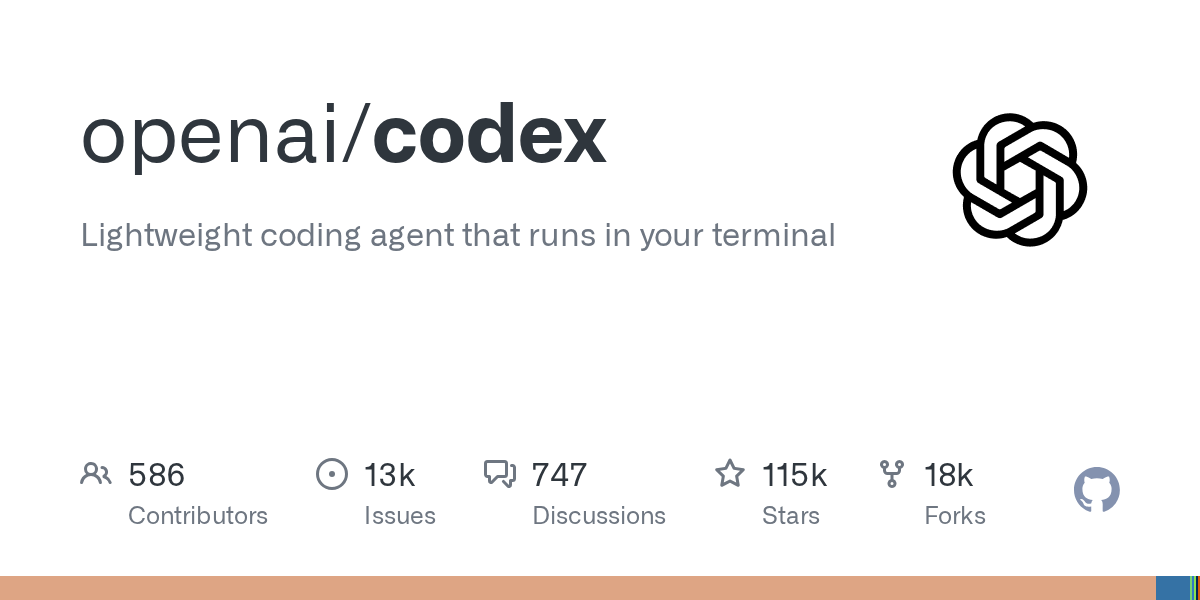
OpenAI has released Codex CLI, a lightweight coding agent designed to run locally within a developer's terminal environment. The tool assists developers directly through a command-line interface and provides dedicated installers for macOS, Linux, and Windows. By focusing on local execution, it aims to deliver a faster and more integrated terminal workflow compared to standard IDE extensions.
Primary source
Open GitHub Trending ↗This article summarizes the source. Check the original for full details and conditions.
Comparison
| Aspect | Before / Alternative | After / This |
|---|---|---|
| Execution Environment | Web browser or IDE extension dependencies | Local terminal via standalone binary |
| Installation Source Control | Fixed CDN or marketplace downloads | Configurable toggle between OpenAI releases and GitHub Releases |
| OS Support | Platform-dependent extension runtimes | Native installers for macOS, Linux, and Windows |
Action Checklist
- Download the dedicated installer for your operating system from the official release page Installers are available for macOS, Linux, and Windows.
- Configure the installation source variable if you prefer GitHub Releases Set CODEX_INSTALLER_USE_RELEASES_OPENAI_COM to false to bypass the default OpenAI release endpoint.
- Set up necessary local environment variables for model access and authentication Ensure your terminal session has the required credentials configured prior to initial execution.