Anthropic Releases Claude Code, a Terminal-Based AI Coding Agent
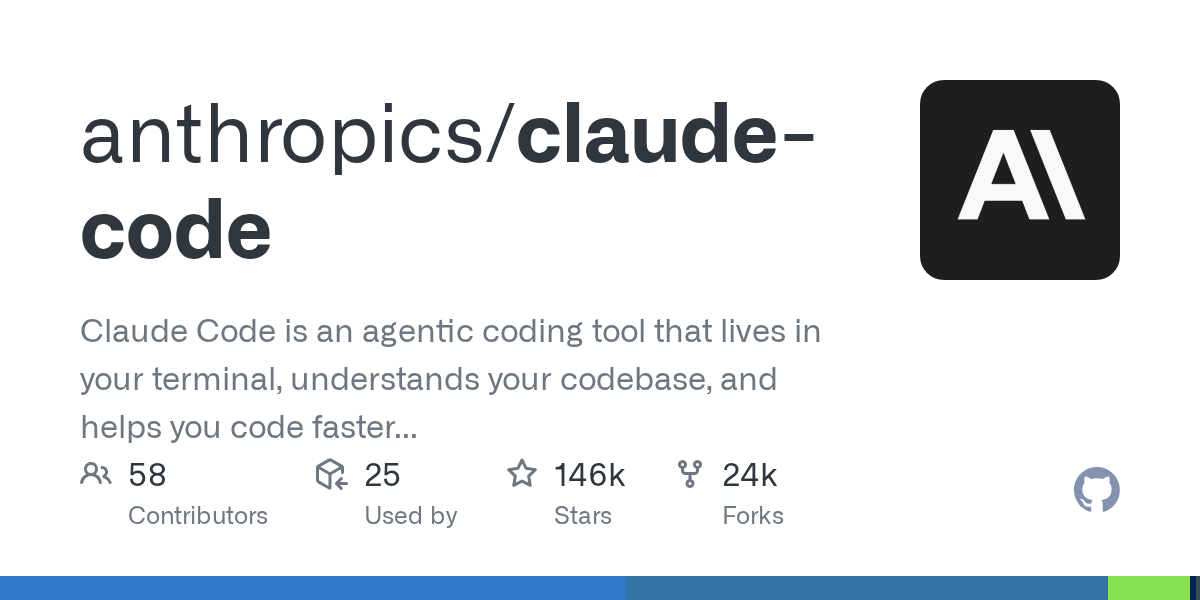
Anthropic has introduced Claude Code, an agentic coding tool that runs directly inside the terminal to automate development tasks. By executing natural language commands, developers can explain complex logic, manage Git workflows, and handle routine coding operations directly within their local project environments. This CLI-first approach reduces context switching compared to traditional web-based AI chat interfaces. In addition to local terminal execution, the tool integrates with GitHub by allowing users to invoke the agent via tagging. This enables development teams to collaborate and receive code reviews or suggestions directly within pull requests and repository issues. Developers should note that the original installation method via npm has been deprecated. Anthropic now recommends using their updated installer script to set up the CLI tool and configure the necessary credentials for local and remote GitHub integrations.
Related tools
Recommended tools for this topic
These picks prioritize high-intent tools relevant to this topic. Some links may include partner or affiliate tracking.
Strong fit for AI, backend, and frontend readers looking for an AI-first coding workflow.
View CursorA strong fit for readers comparing Claude-class models, safety, and long-context workflows.
View AnthropicNatural next step for readers evaluating LLM adoption, APIs, and production inference.
Explore APIComparison
| Aspect | Before / Alternative | After / This |
|---|---|---|
| Installation Method | Global npm installation (now deprecated) | Official installer script recommended by Anthropic |
| User Interface | Web-based chat UI with context switching | Terminal-native CLI running directly in project directories |
| GitHub Integration | Manual copy-pasting of codebase files | Direct interaction inside repositories via tagging @claude |
Action Checklist
- Do not use the deprecated npm installation method Verify existing setups to ensure they do not rely on global npm packages.
- Run the recommended installation script from the official documentation This ensures you obtain the latest authorized binary and dependencies.
- Configure Claude API authentication and local permissions The CLI requires access to your local project directory to analyze codebase context.
- Set up GitHub integration permissions Configure repository access to allow the @claude tag to function in pull requests.
Source: GitHub Trending
This page summarizes the original source. Check the source for full details.