Vercel CLI Introduces Sub-Second Deployments by Bypassing Build Step for Static Artifacts
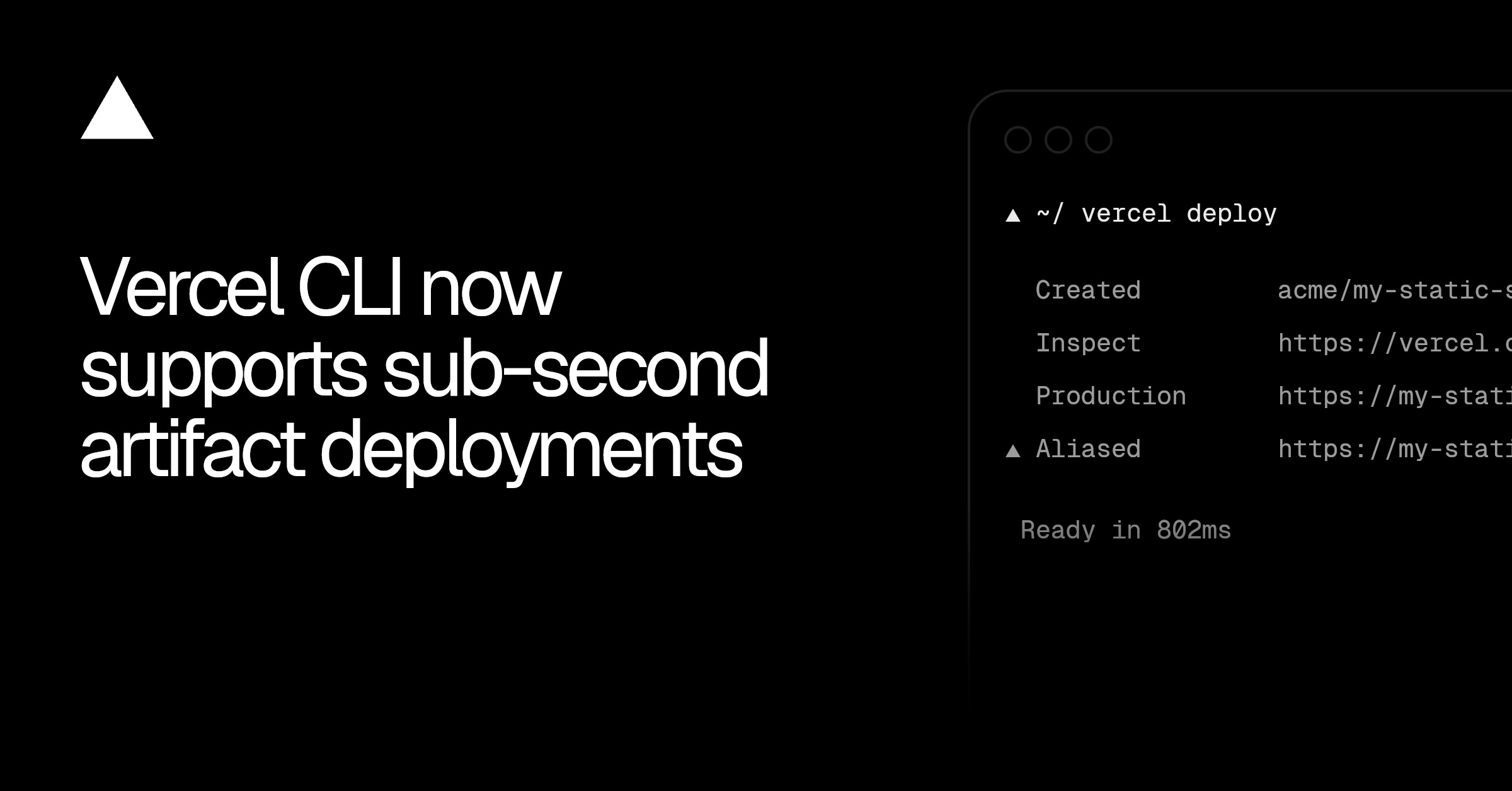
Vercel has announced support for sub-second artifact deployments when deploying static assets via the Vercel CLI. When running the deployment command, the platform now automatically detects eligible static directories and skips the build phase entirely, generating live preview URLs almost instantaneously. This optimization triggers specifically when the target deployment directory consists solely of valid static files with supported extensions. The platform currently recognizes and supports three file extensions for this fast-path deployment route, which are HTML, HTM, and Markdown. Previously, even basic static assets often had to route through Vercel's standard build pipelines, which introduced avoidable deployment latency. The new deployment path is designed to accelerate modern automated workflows, such as previews generated by AI coding agents, HTML test report publishing, and rapid prototyping. However, projects that include dynamic server-side logic, API routes, or complex framework configurations will continue to trigger the traditional build process as usual.
Related tools
Recommended tools for this topic
These picks prioritize high-intent tools relevant to this topic. Some links may include partner or affiliate tracking.
High-value hosting and deployment path for frontend and cloud readers.
View VercelA strong security and edge platform match across CDN, Zero Trust, and app protection.
View CloudflareStrong cloud alternative for startups and developer-led infrastructure decisions.
View DigitalOceanComparison
| Aspect | Before / Alternative | After / This |
|---|---|---|
| Build Phase | Runs full build pipeline even for basic static folders | Bypasses build pipeline entirely when criteria are met |
| Deployment Speed | Multiple seconds to minutes depending on queue and build times | Sub-second instant live URL generation |
| Supported File Formats | Any files requiring build configurations | Strictly optimized for .html, .htm, and .md files |
Action Checklist
- Update Vercel CLI to the latest version Ensure you have the latest CLI by running npm install -g vercel
- Verify target files use only supported extensions The fast path applies only to directories with .html, .htm, or .md files
- Execute the deploy command from your terminal Run vercel deploy to trigger the automatic build-skip mechanism
Source: Vercel Changelog
This page summarizes the original source. Check the source for full details.