Manage Vercel Flags Targeting Rules Directly from the CLI
Vercel has introduced the ability to manage feature flags and targeting rules directly through the Command Line Interface, streamlining the configuration process for developers.
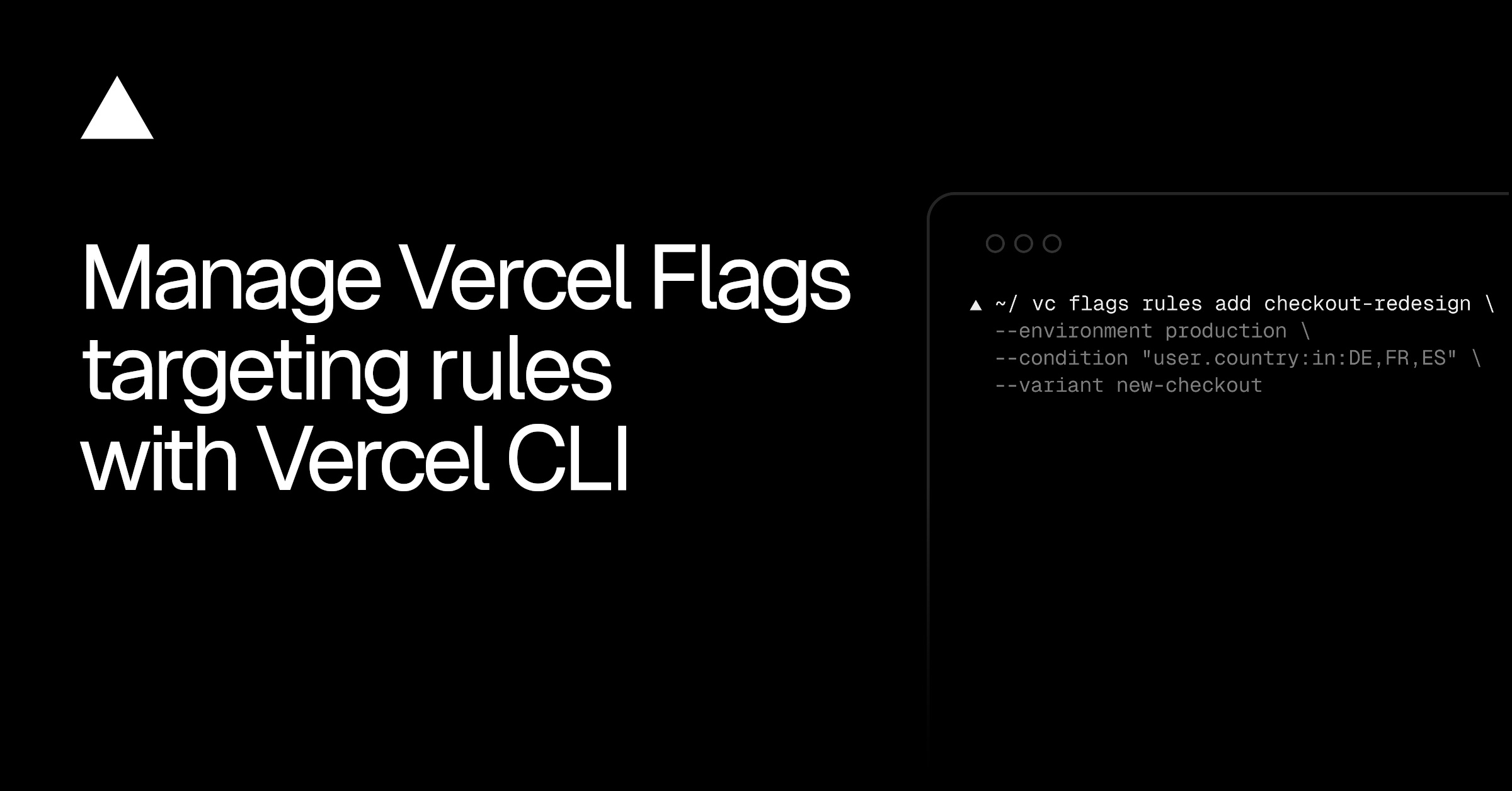
The latest Vercel update brings configuration capabilities for Vercel Flags directly into the Command Line Interface. Developers can now view, update, and manage their targeting rules without needing to navigate the Vercel dashboard. This change aligns infrastructure management with local development workflows and automated deployment pipelines.
Primary source
Open Vercel Changelog ↗This article summarizes the source. Check the original for full details and conditions.
Comparison
| Aspect | Before / Alternative | After / This |
|---|---|---|
| Interface | Vercel dashboard web interface only | Vercel CLI command-line interface |
| Automation | Manual changes required in UI | Scriptable via terminal and CI/CD tools |
| Speed | Slower page loads and clicking through settings | Near-instantaneous configuration updates via commands |
Action Checklist
- Update the Vercel CLI to the latest version Run npm install -g vercel to ensure targeting rules support is available.
- Verify local environment credentials Ensure your terminal is authenticated with the correct Vercel project scope.
- Test flag configuration changes in a preview environment Verify rule modifications do not disrupt active production traffic.