Vercel Introduces Spend Budgets and Alerts for AI Gateway
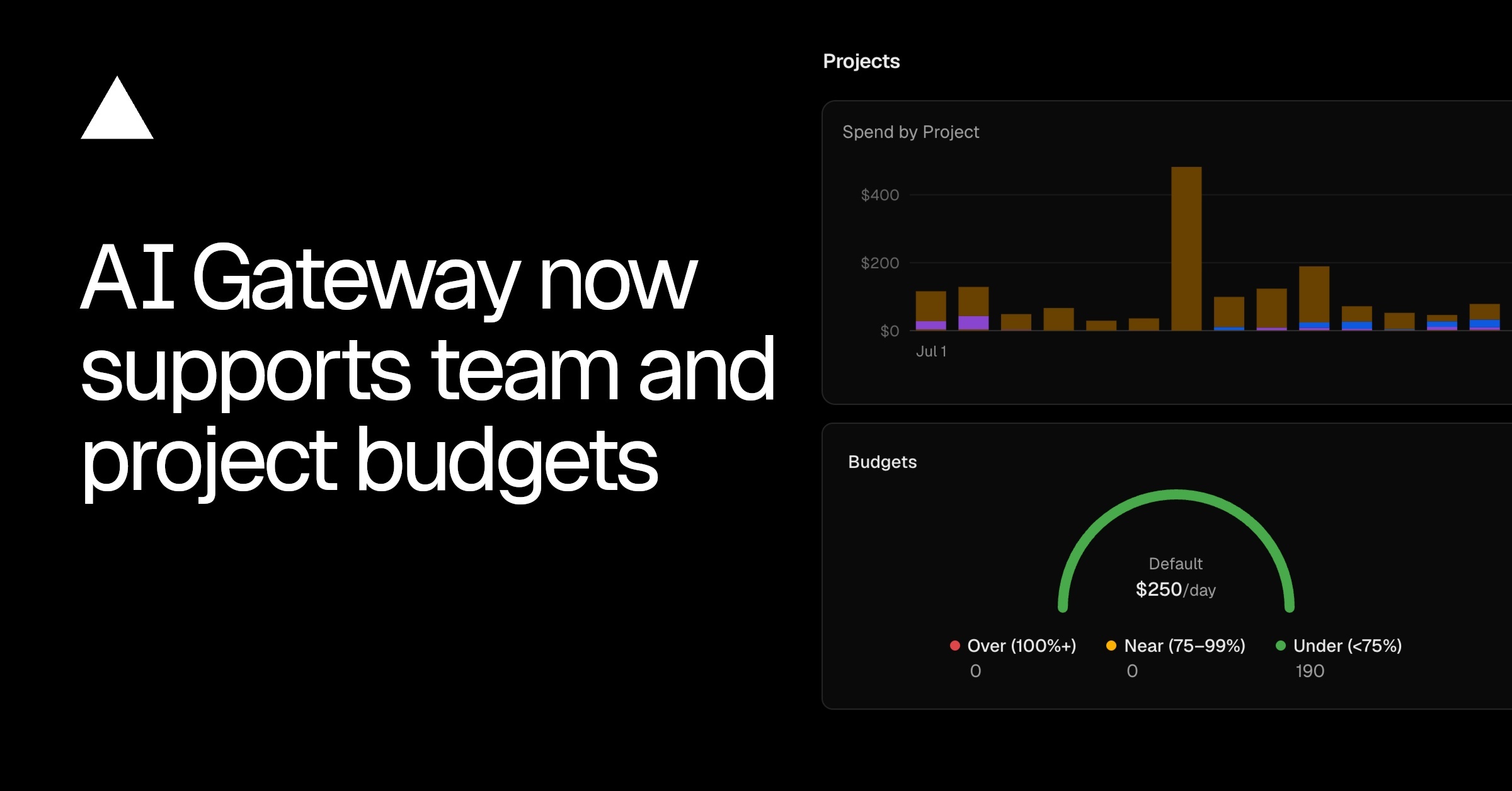
Vercel has introduced native spend budgets and alerts for its AI Gateway, addressing the critical need for cost management in LLM-powered applications. Engineering teams can now set hard spending limits at both the team and individual project levels to prevent runaway API costs from upstream model providers. This update directly mitigates financial risks associated with unexpected traffic spikes or inefficient prompt loops. When a configured spend budget threshold is met, Vercel triggers automated alerts to notify designated team members. These budget boundaries help organizations enforce financial governance without requiring custom middleware or complex external billing integrations. The configurations are managed directly within the Vercel dashboard, streamlining operations for platform administrators. To adopt this feature safely, teams should first audit their current baseline AI usage patterns across all active environments. Implementing spend controls first in staging or development environments ensures that limits are calibrated correctly before applying them to production systems. Organizations can then establish a multi-tiered alerting strategy to maintain visibility over daily and monthly resource consumption.
Related tools
Recommended tools for this topic
These picks prioritize high-intent tools relevant to this topic. Some links may include partner or affiliate tracking.
A strong security and edge platform match across CDN, Zero Trust, and app protection.
View CloudflareA high-relevance security pick for identity, secret management, and team access control.
View 1PasswordStrong for identity, OIDC, and B2B auth readers evaluating implementation tradeoffs.
View Auth0Comparison
| Aspect | Before / Alternative | After / This |
|---|---|---|
| Scope of Cost Controls | Global or manual third-party tracking | Granular team and project-level limits |
| Alerting Mechanism | Delayed monthly billing reports | Real-time automated notification alerts |
| Integration Effort | Custom middleware or external analytics tracking | Native, zero-code Vercel dashboard configuration |
Action Checklist
- Audit current baseline LLM API spending across active Vercel projects Use existing provider dashboards to calculate typical monthly spend.
- Configure threshold alerts for team-level spend budgets Set up alerts at 50%, 80%, and 100% of the target budget.
- Establish project-specific limits for non-production environments Apply stricter budgets on development and staging environments to catch infinite loops early.
- Verify notification delivery channels Ensure team members are subscribed to receive Vercel team alerts.
Source: Vercel Changelog
This page summarizes the original source. Check the source for full details.


