GitHub Introduces Multiple Redirect URIs and Refresh Tokens for OAuth Applications
GitHub has updated its OAuth App platform to support multiple redirect URIs and an opt-in short-lived access token mechanism powered by refresh tokens.
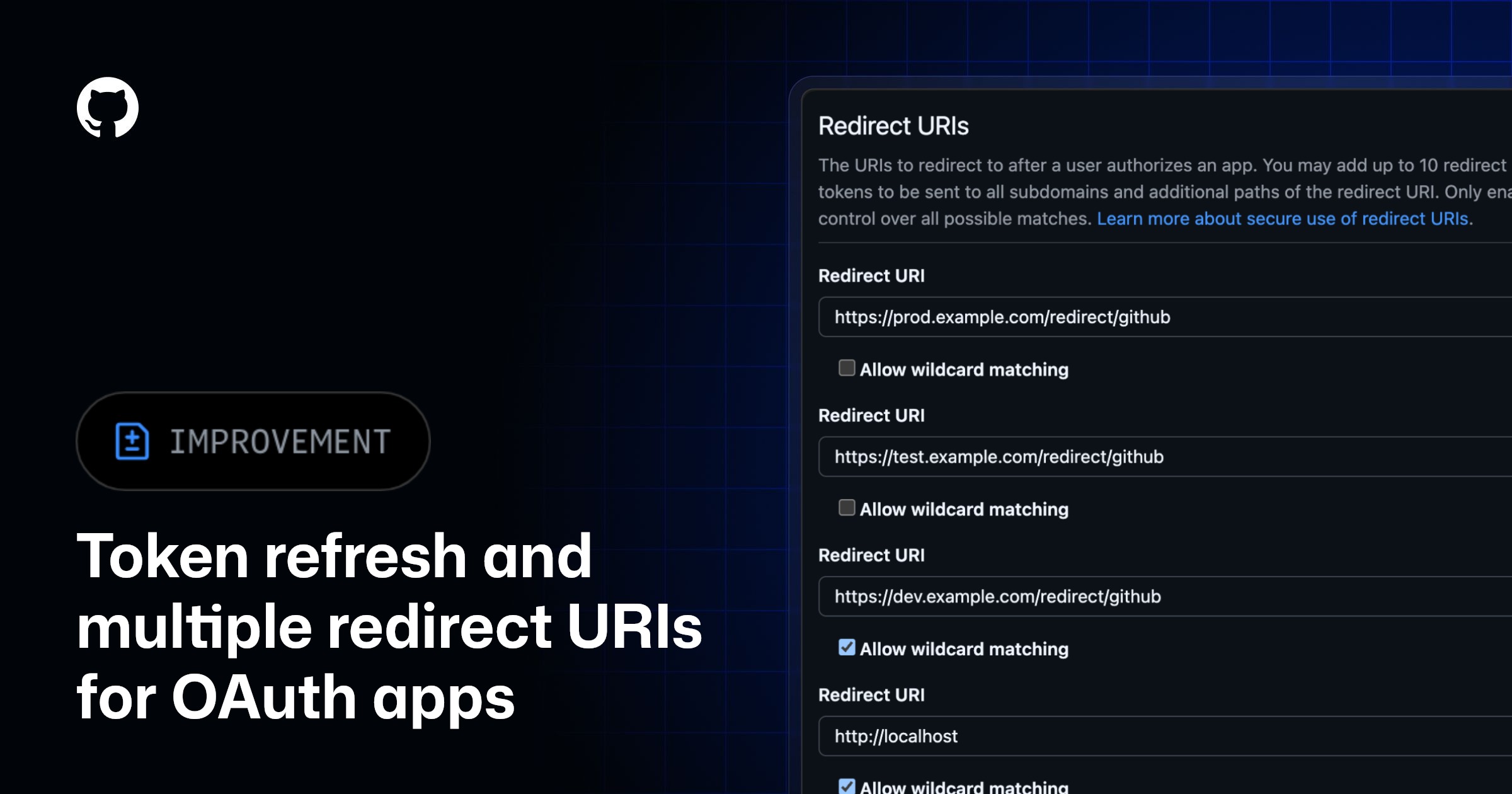
GitHub has rolled out critical security and usability updates for OAuth Applications. Developers can now opt into using short-lived access tokens that expire after eight hours, accompanied by a refresh token valid for six months. This shift away from indefinite-lifetime access tokens reduces the impact of potential token leakage and aligns GitHub OAuth Apps with modern security standards.
Primary source
Open GitHub Changelog ↗This article summarizes the source. Check the original for full details and conditions.
Comparison
| Aspect | Before / Alternative | After / This |
|---|---|---|
| Access token lifetime | Indefinite lifetime | 8 hours (expires automatically) |
| Token renewal | Requires manual or programmatic re-authorization flow | Automatic rotation using a 6-month refresh token |
| Redirect URIs per app | Single redirect URI limit | Up to 10 redirect URIs permitted |
Action Checklist
- Verify that your OAuth SDK supports refresh token rotation flows Do not enable short-lived tokens in production until client SDKs are verified.
- Opt in to short-lived tokens in your GitHub OAuth App settings page New OAuth applications will have this behavior enabled by default.
- Consolidate development and production apps by configuring multiple redirect URIs You can add up to 10 distinct URIs to handle staging and local environments.
- Update token storage logic to handle the immediate invalidation of old refresh tokens Using a refresh token immediately invalidates the previous token pair.