How to Use Custom Agents in GitHub Copilot CLI for Reusable Developer Workflows
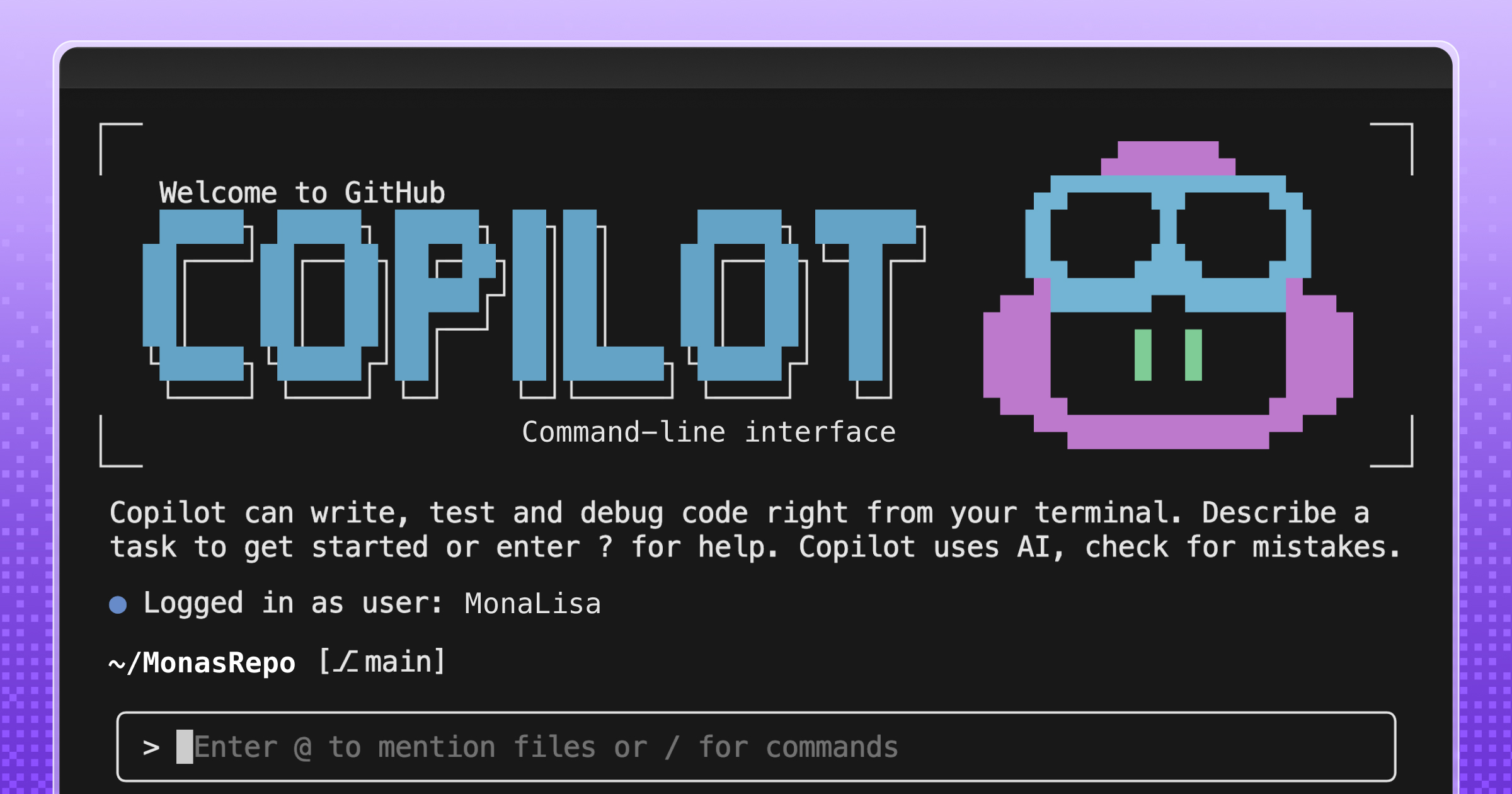
The introduction of custom agents in GitHub Copilot CLI enables development teams to encode their specific practices directly into terminal commands. Rather than relying on individual developers to write complex, repetitive prompts, teams can build custom agents that understand internal APIs, code standards, and deployment architectures. This shifts the utility of AI in the terminal from basic autocompletion to highly contextual assistance.
Related tools
Recommended tools for this topic
These picks prioritize high-intent tools relevant to this topic. Some links may include partner or affiliate tracking.
Strong fit for AI, backend, and frontend readers looking for an AI-first coding workflow.
View CursorNatural next step for readers evaluating LLM adoption, APIs, and production inference.
Explore APIA strong fit for readers comparing Claude-class models, safety, and long-context workflows.
View AnthropicComparison
| Aspect | Before / Alternative | After / This |
|---|---|---|
| Interaction Pattern | One-off terminal prompts that must be manually repeated and adapted | Standardized agents execution for repeatable and reviewable processes |
| Context Awareness | Generic model understanding of general software engineering concepts | Deep understanding of internal team stacks, APIs, and organization workflows |
| Sharing & Governance | Fragmented custom shell aliases or undocumented scripts across local machines | Centralized custom agents that can be shared, versioned, and audited by teams |
Action Checklist
- Identify repetitive terminal tasks and prompt sequences suitable for automation Focus on tasks involving internal tooling or specific architecture patterns
- Define the custom agent configuration with required context and guidelines Ensure team-wide conventions are clearly documented in the agent's system prompt
- Register the custom agent with the GitHub Copilot CLI Refer to the GitHub Copilot CLI documentation for specific configuration schema
- Distribute and test the agent across the engineering team for feedback Review command output accuracy before integrating agents into critical deployments
Source: GitHub Blog
This page summarizes the original source. Check the source for full details.